
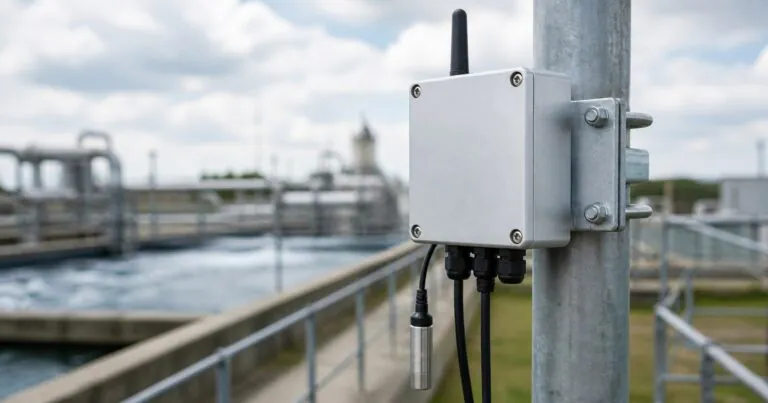
Smart Sensor Aluminum Enclosure: How Should Engineers Plan Outdoor Reliability?
Smart sensors fail when the enclosure is treated as a late accessory. This creates leaks, heat issues, and delayed tests. I solve it by planning protection early.
A smart sensor aluminum enclosure should protect the PCB, connectors, antenna area, and heat path together. Engineers should define IP rating, thermal load, EMC grounding, CNC cutouts, surface finish, and assembly sequence before prototype machining starts.
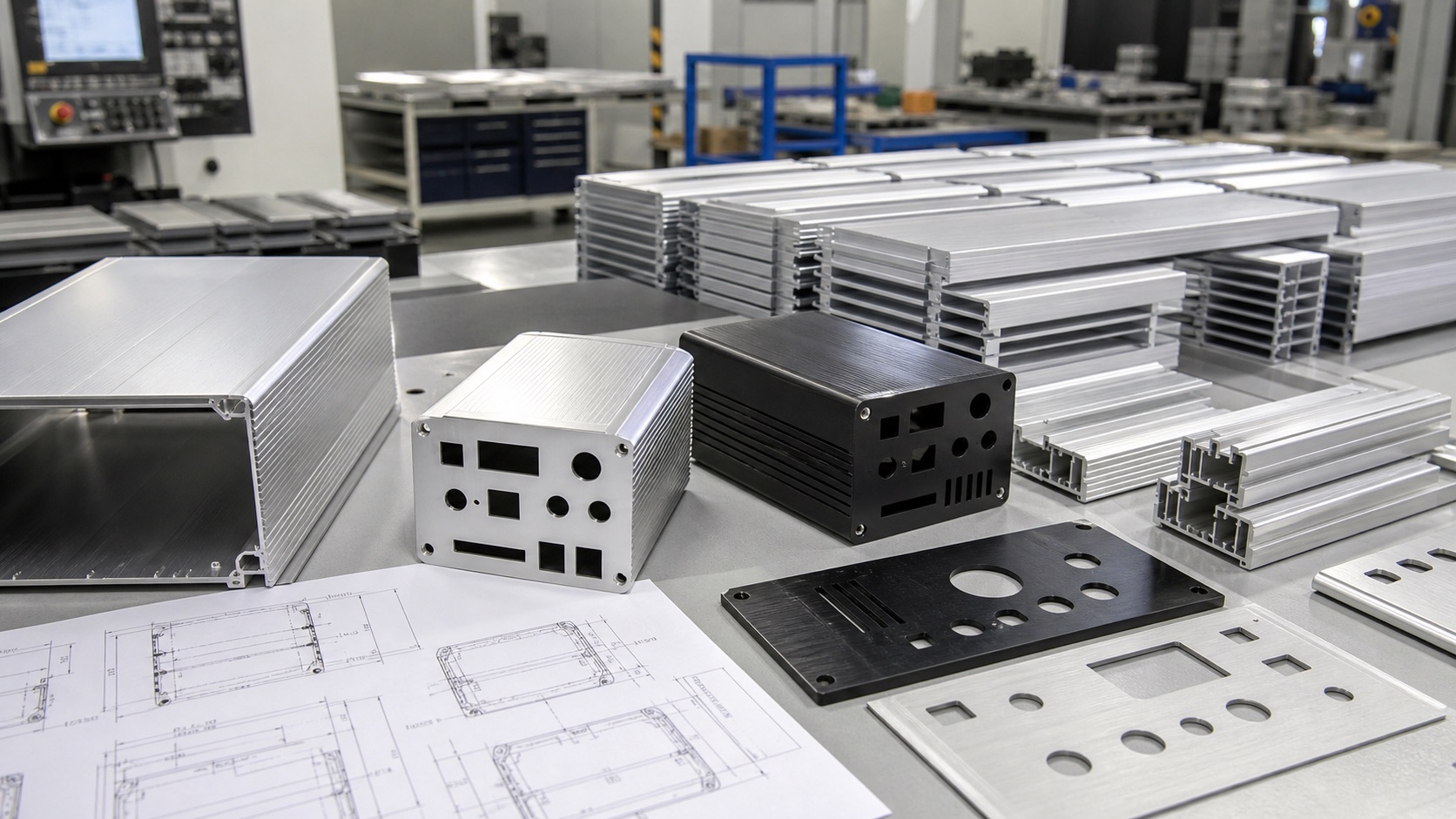
I see more smart sensors moving into outdoor machines, energy sites, smart factories, and remote monitoring systems. This trend sounds exciting, but the enclosure still decides whether the device survives dust, rain, heat, vibration, and service work.
Why Should Smart Sensor Aluminum Enclosure IP Protection Be Planned Before CNC Machining?
Water enters through small details that look harmless in CAD. Late fixes add cost and delay testing. I prevent this by planning sealing before machining.
IP protection should be planned before CNC machining because every connector hole, screw, groove, and end plate affects the final seal. A waterproof aluminum enclosure needs controlled gasket compression, rated cable entries, and clean sealing surfaces.
The Seal Is a System, Not One Part
When Jeff asks me for IP67 or IP68 protection, I do not only look at the enclosure body. I look at the full water path. The gasket, cable gland, connector nut, screw hole, end plate flatness, anodizing thickness, and assembly torque all work together. If one detail is weak, the full enclosure can fail.
The IEC IP rating guidance explains that IP codes describe protection against solid objects and water. In real production, this means the test result depends on the exact assembled sample. A blank enclosure may pass, but the same enclosure with two cable glands and one USB cutout may fail.
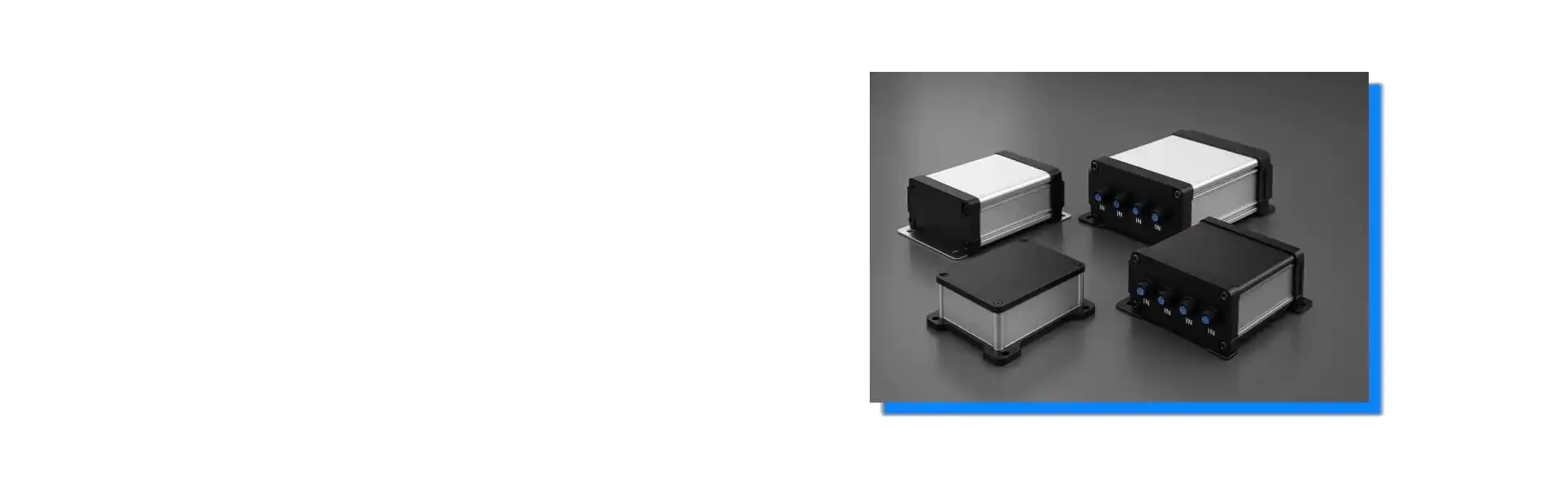
For waterproof aluminum enclosures, I usually ask customers to confirm cable diameter, connector type, mounting direction, and test condition before we machine the end plates. This helps our engineer check wall thickness around holes and gasket space.
| Design Detail | Common Risk | Practical Check |
|---|---|---|
| Cable gland hole | Wrong diameter or weak thread engagement | Match gland datasheet and panel thickness |
| End plate gasket | Uneven compression | Keep flat sealing land around the full edge |
| Screw position | Local gaps near corners | Place screws close enough to control lift |
| Anodized surface | Sealing change after finish | Confirm finish before final tolerance review |
I also remind engineers that IP67 does not mean permanent underwater use. If the device may face pressure wash, flood risk, condensation, or outdoor sun cycling, the enclosure plan should include the real environment. This avoids the common mistake of choosing a rating number first and understanding the field condition later.
How Can Aluminum Help Smart Sensors Manage Heat?
Compact sensors often trap heat inside sealed housings. Heat can shift readings and shorten component life. I use aluminum as part of the thermal path.
Aluminum helps smart sensors manage heat because it conducts heat from internal components to the enclosure surface. Engineers can improve this path with PCB placement, thermal pads, thicker contact zones, external ribs, and anodized surface choices.
The Enclosure Can Work Like a Passive Heat Sink
Smart sensors are becoming smaller, but many now include wireless modules, power circuits, processors, and signal conditioning boards. The NIST 2026 roadmap on AI and machine learning for smart manufacturing points to more sensing, data, and intelligent systems in factories. More intelligence often means more heat in the same device volume.
In a sealed enclosure, air cannot carry heat out easily. Fans are also not friendly to IP67 designs. So I usually guide customers toward conduction. The hot component should touch the aluminum body through a thermal pad or metal bracket. The enclosure wall then spreads heat to the outside surface.
| Heat Source | Better Enclosure Choice | Why It Helps |
|---|---|---|
| Wireless module | Keep clearance near antenna zone | Reduces signal loss and local heat crowding |
| Power regulator | Add thermal pad to aluminum wall | Moves heat into the enclosure body |
| Processor board | Use internal mounting bosses | Creates a stable heat and assembly path |
| Outdoor sun load | Consider light anodized color | Reduces surface temperature rise |
For custom aluminum enclosure solutions, I like to receive a simple heat map or at least the power of the main hot parts. Jeff does not need to send a perfect thermal model at the first step. Even a marked PDF can help us avoid placing a gasket groove, screw boss, or connector where a heat bridge should be.
The NI enclosure selection guide also notes that enclosure choice involves temperature, cable management, and clear space. This matches what I see in projects. A larger enclosure is not always the answer. A better heat path is often more useful than extra empty space.
What Should Engineers Prepare for Faster Custom Prototypes?
Prototype delays often come from unclear drawings and missing details. Suppliers then guess, and engineers lose time. I reduce this risk with a clear file checklist.
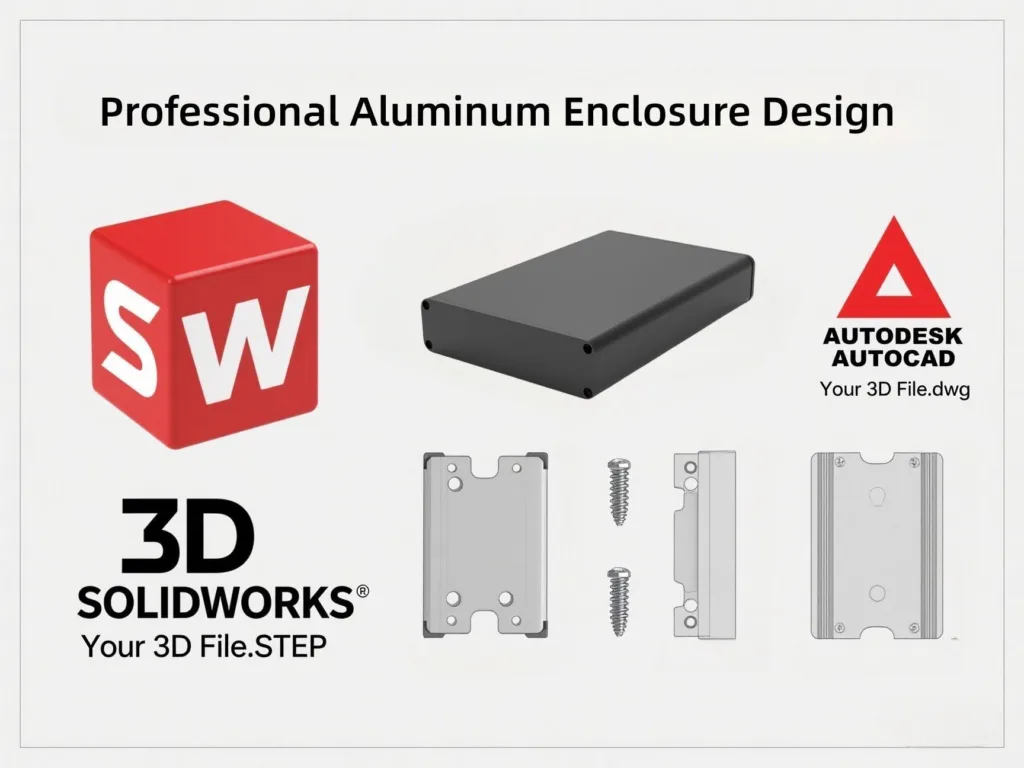
Engineers should prepare 3D files, 2D drawings, connector datasheets, finish requirements, tolerance notes, gasket requirements, logo files, and expected quantities. This helps suppliers quote and machine a custom aluminum enclosure faster.
Clear Inputs Save More Time Than Urgent Emails
I understand urgent prototype work. Many engineers contact me after the PCB is almost finished, and the enclosure is needed quickly for a field test or customer demo. At that moment, every unclear detail becomes a delay.
For CNC aluminum enclosure machining, the most useful file is a STEP model with the PCB, connectors, switches, and mounting points shown in real position. A 2D drawing should also define critical dimensions, surface finish, color, marking, and quantity. If the project needs IP67 sealing, I also ask for the connector datasheets and cable diameter range.
| File or Detail | Why I Need It | Delay It Prevents |
|---|---|---|
| STEP model | Checks full mechanical fit | Wrong PCB slot or connector position |
| 2D drawing | Defines tolerance and finish | Rework from unclear expectations |
| Connector datasheet | Confirms cutout and nut clearance | Loose connector or impossible assembly |
| Logo artwork | Supports laser marking or silk screen | Late branding delay |
| Quantity plan | Chooses prototype or batch process | Wrong cost and lead time expectation |
Surface treatment should also be discussed early. The Aluminum Anodizers Council explains that anodized aluminum specifications should consider alloy, finish, oxide requirements, and application environment through its anodized aluminum finish guidance. In enclosure work, this matters because anodizing changes appearance, corrosion resistance, marking quality, and electrical contact.
If Jeff needs EMC grounding, I may suggest masking one internal contact area or using a conductive contact point. If he needs outdoor corrosion resistance, I may suggest anodizing and stainless screws. If he needs fast small-batch production, I may suggest using extruded aluminum enclosures with CNC machined end plates instead of opening a new mold.
This is why I prefer technical communication before quotation. A good supplier should not only ask for quantity and size. A good supplier should help the engineer see the risk before the prototype is made.
Conclusion
A smart sensor aluminum enclosure protects reliability when IP sealing, heat flow, CNC machining, finish, and lead time are planned together from the first prototype.